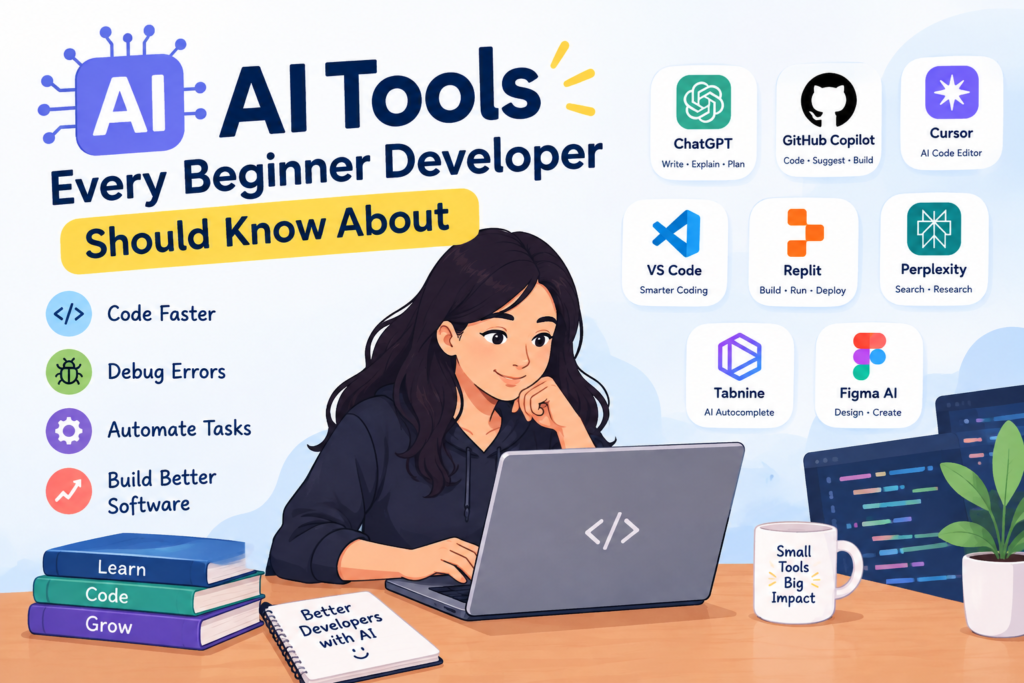
AI Tools Every Beginner Developer Should Know About
Artificial Intelligence is becoming an important part of modern software development. Developers are now using AI-powered tools to write code, understand programming concepts, find errors, create documentation, and improve their daily workflow. For beginners, these tools can make the learning process easier and more interactive when they are used correctly.
It can assist developers, but a strong understanding of programming fundamentals remains important. Instead, it can work as a helpful assistant while students develop their coding knowledge and practical skills. Understanding how to use AI tools effectively can also help beginners become familiar with the way modern development teams work.
AI Coding Assistants
AI coding assistants are useful for beginners who are learning programming languages such as Python, Java, JavaScript, and other technologies. These tools can help developers write and improve code during the development process. They can also help complete repetitive sections of code and provide examples based on a developer's instructions.
For example, a beginner learning Python can ask an tool to explain a particular function or show a simple example. This can help students understand programming concepts more easily. However, beginners should always read and understand the suggested code instead of using it without checking.
AI Tools for Code Explanation
Programming code can sometimes look confusing, especially when students are working with unfamiliar concepts. AI tools can explain code in simple language and break a complex program into smaller sections.
Beginners can use to understand what a particular function does, why a specific method is used, or how different parts of a program work together. This makes AI useful as an additional learning resource alongside classroom training, documentation, and practical exercises.
Debugging
Errors are a normal part of software development. Beginners may find error messages difficult to understand when they first start coding. powered tools can help explain common errors and suggest possible solutions.
Learning Programming
The tools can also support students during self-learning. Beginners can ask questions about programming topics and receive explanations based on their level of understanding. They can request simple examples, practice questions, coding exercises, or project ideas.
For instance, a student learning Java can ask for beginner-level practice programs involving loops, arrays, classes, or inheritance. After attempting the exercise, the student can use to review the approach and understand possible improvements.
Generating Practice Projects
Practical projects are an important part of learning software development. Instead of studying programming concepts only through theory, beginners can use to generate project ideas according to their skill level.
A beginner might start with a simple calculator, to-do application, student management system, or basic website. As their skills improve, they can move toward larger projects involving databases, APIs, authentication, and other technologies.
It can help suggest project structures and development steps, but students should actively build and test the project themselves.
Intelligent Technology Tools for Documentation
Documentation is an important part of professional software development. Developers need to understand project requirements, explain functions, maintain technical notes, and document how applications work.
These tools can help beginners summarize technical information, create basic explanations, prepare comments for code, and organize documentation. This can save time and help students understand how professional development projects are documented.
Improving Developer Productivity
Software development includes many repetitive tasks. Developers may need to create similar code structures, organize information, write comments, review code, or prepare basic project content.
The tools can simplify some of these tasks, giving developers more time to focus on problem-solving and building better applications. For beginners, learning how to use responsibly can help them understand modern development workflows and improve productivity over time.
Different Programming Technologies
Tools are not limited to one programming language. They can assist learners working with Python, Java, JavaScript, HTML, CSS, SQL, and many other technologies.
Do Not Depend Completely
Although tools are useful, beginners should avoid depending completely on generated answers.Intelligent Automation-generated code can sometimes contain mistakes, inefficient approaches, or solutions that a beginner may not fully understand.
Students should first try to solve a problem independently. If they face difficulty, they can use AI for hints, explanations, or alternative approaches. After receiving an answer, they should test the code and understand how it works.
Build Strong Programming Fundamentals
Machine Intelligence tools can support learning, but strong programming fundamentals are still essential. Beginners should understand variables, data types, conditions, loops, functions, object-oriented programming, databases, debugging, and basic software development concepts.
Once these fundamentals are clear, students can use more effectively because they can evaluate whether the generated solution is correct and suitable for their project.
Conclusion
Intelligent Systems tools are changing the way developers learn, code, debug, and manage software projects. For beginners, they can provide useful support in understanding programming concepts, practicing coding, finding errors, generating project ideas, and improving productivity.
However, successful software development requires more than using Smart Computing tools. Strong fundamentals, logical thinking, problem-solving ability, practical projects, and consistent practice are equally important. Beginners who learn programming while using AI as a supporting tool can build valuable skills and become better prepared for the evolving technology industry.


Comments
Post a Comment